THE PROBLEM
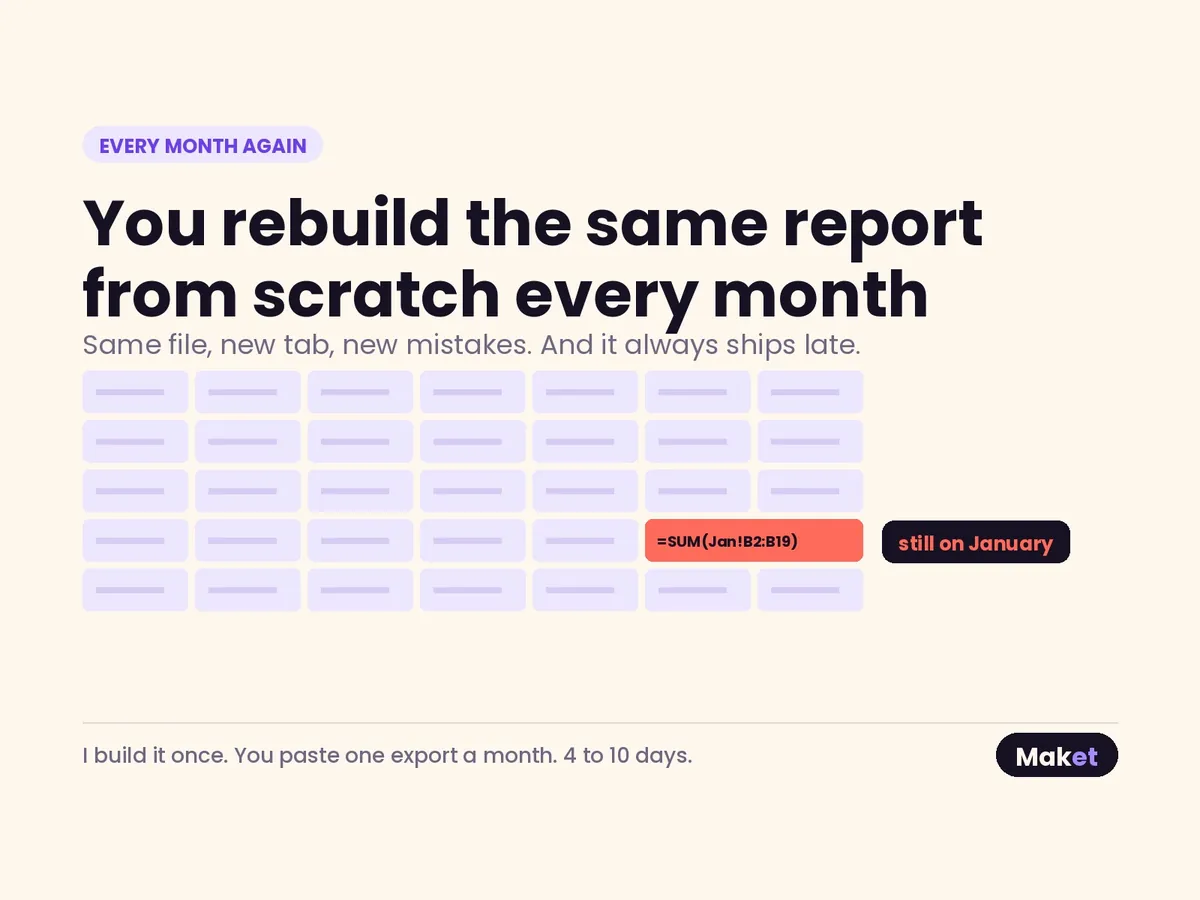
A report rebuilt by hand is a new report every month
The pattern is familiar. Someone exports the data, pastes it into last month's file, extends a range, adds a row for the new product line, adjusts a total that looked odd, and sends it out. It works, most months.
The problem is drift. A definition shifts slightly because the person doing the work changed. A range stops one row short after new data arrives. A hard-coded number from a month when the formula misbehaved is still sitting there. Later, two reports disagree and nobody can say which is right, because the method lived in somebody's hands rather than in the file.
If the method lives in a person's habits, the report is a different report each month.
WHAT IT IS
Definitions in the file, not in someone's head
A reporting pack is a workbook where the calculation is fixed and the data is the only thing that moves.
- Inputs land in one place, in the shape your export already produces. No re-typing, no reformatting by hand.
- Every measure has a written definition on a definitions sheet: what is counted, what is excluded, over what period.
- Calculation is separated from presentation, so a change to layout cannot change a number.
- Ranges are built to grow. Adding rows does not quietly leave data out.
- One refresh path, written down, short enough for someone who has never opened the file to follow it.
WHAT YOU SEND
A month you already trust
The baseline is the important part. Pick a month whose figures were checked and agreed at the time. That month becomes the reference the pack is reconciled against.
- The report as it is produced today, for that month.
- The raw exports that fed it, in their original format.
- The definitions as you understand them, even if they currently exist only as a verbal explanation.
- Any figure in the current process that gets adjusted by hand, and the reason for it.
WHAT COMES BACK
The pack and its reconciliation
That last item usually explains most of the drift on its own.
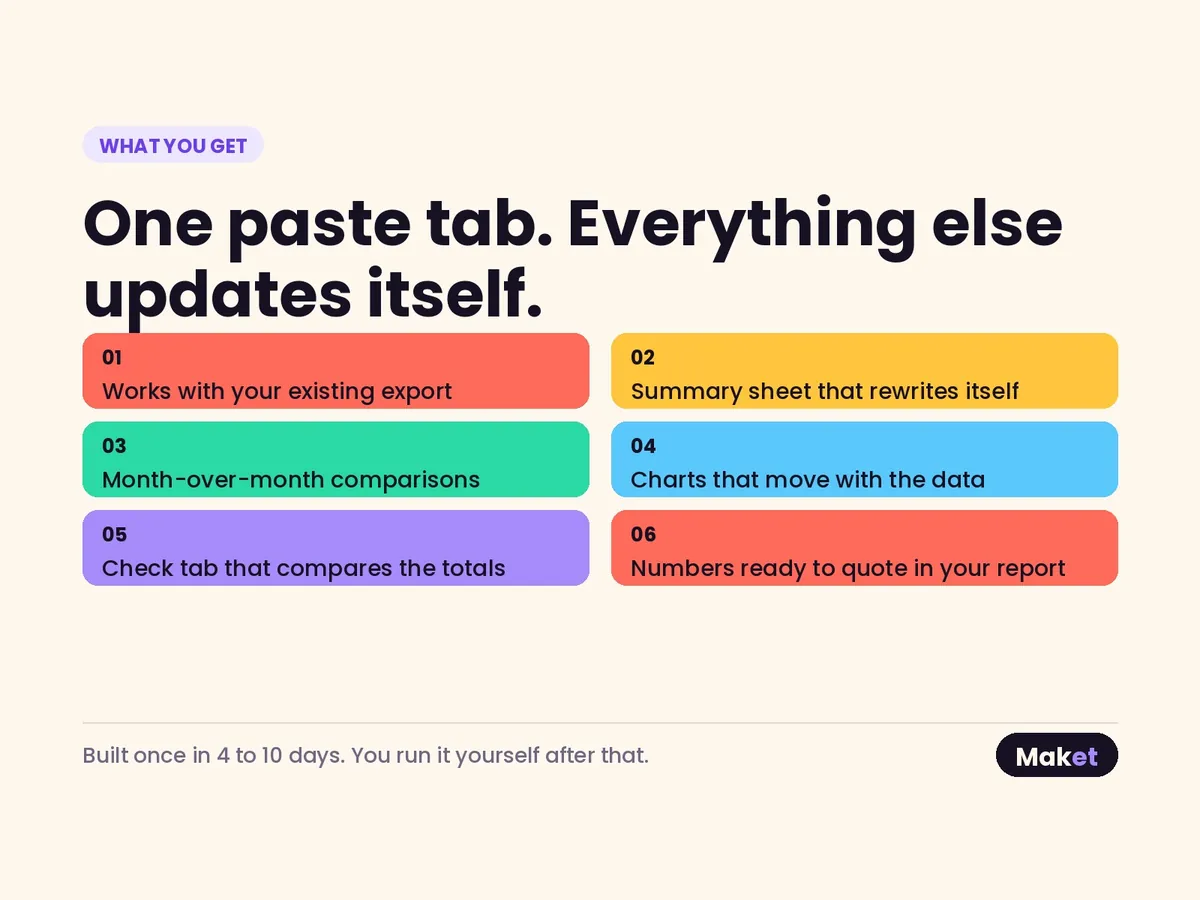
- The workbook, built to run from your exports as they come.
- A definitions sheet in plain language, which people can disagree with before the pack goes live rather than after.
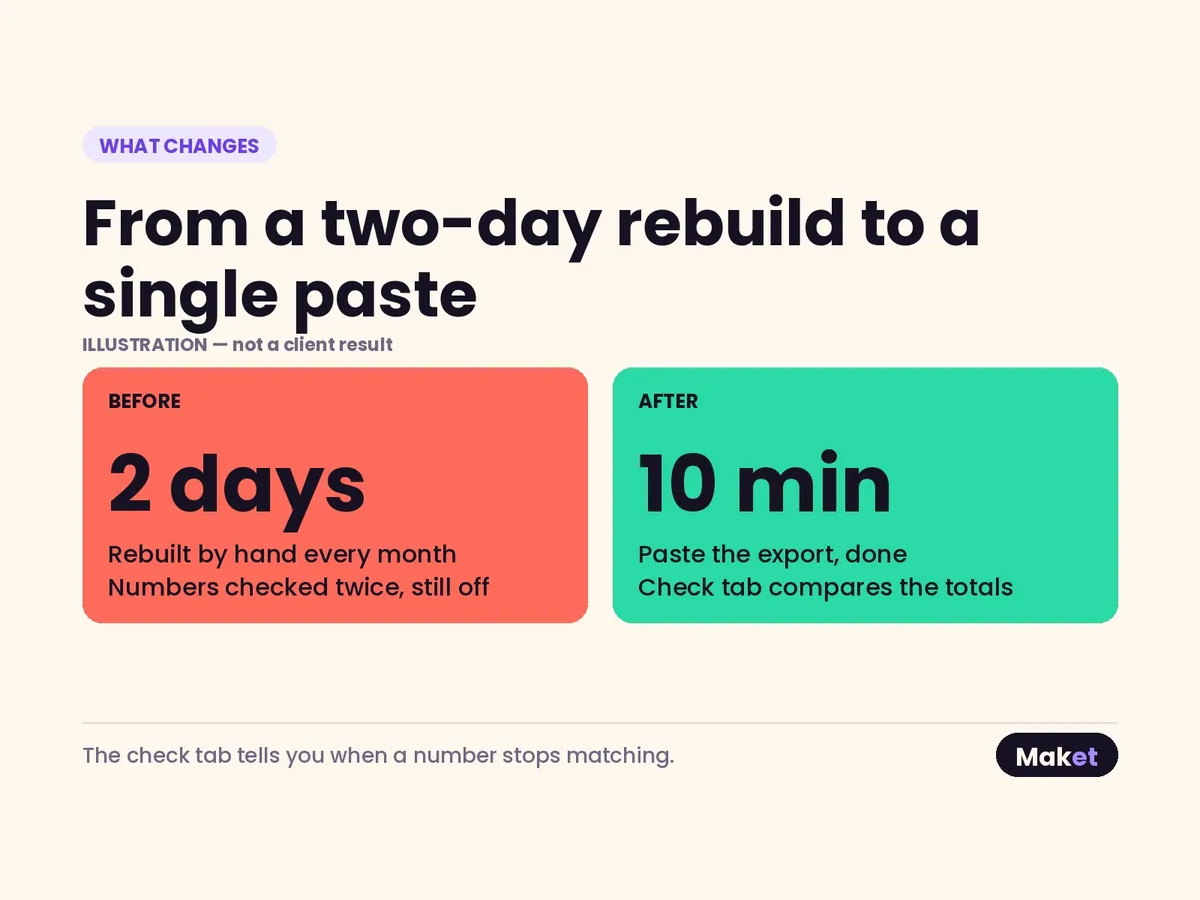
- A reconciliation of the baseline month: every headline figure the pack produces set beside the figure your existing process produced, with the difference and its cause.
- The refresh procedure, step by step.
AI
AI is used, so the baseline gets reconciled
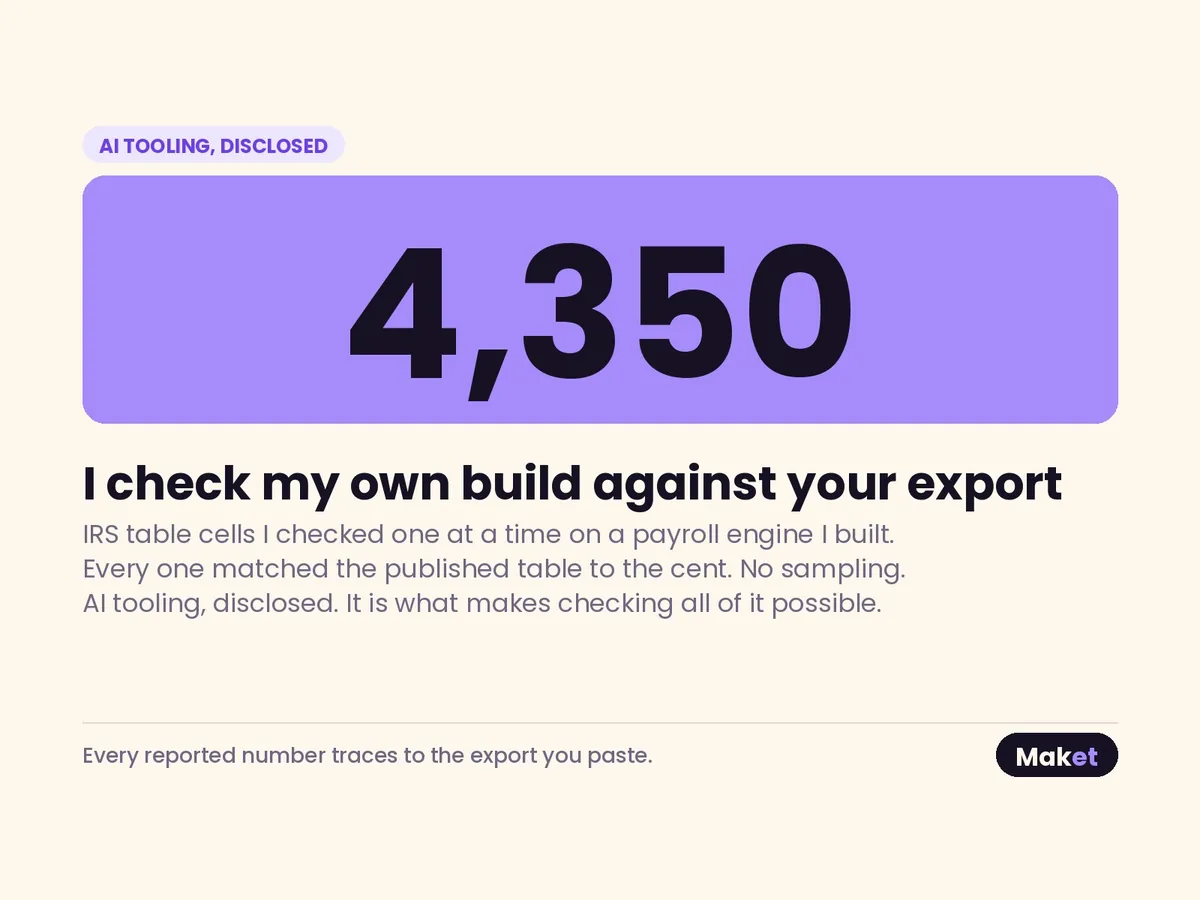
AI tooling is part of how these files are built, stated openly. It is fast at the mechanical work, and it will also produce a formula that returns a believable total from the wrong rows. Believable is the exact quality that makes it dangerous in a report nobody re-checks.
That is why the baseline reconciliation is not optional. The pack has to reproduce a month you already trust, figure by figure, before it is used on a month you do not know yet. Where the pack and the old report disagree, the difference is not smoothed over: it is recorded with its cause, whether that is a definition applied inconsistently, a range that had stopped growing, or a manual adjustment nobody could account for. You decide which version is correct. The log tells you what changed and where.
THE FIRST CLOSE
On two tiers, the first month is run for you
A pack that has never been through a real close is a pack nobody trusts yet.
On the Standard and Advanced tiers the close is run with your own figures — one month, or three — before the file is handed over. You watch it produce numbers you already know, against a month you already agreed, and only then does it become yours to run.